

5. Strong Calls to Action and Lead Generation Forms
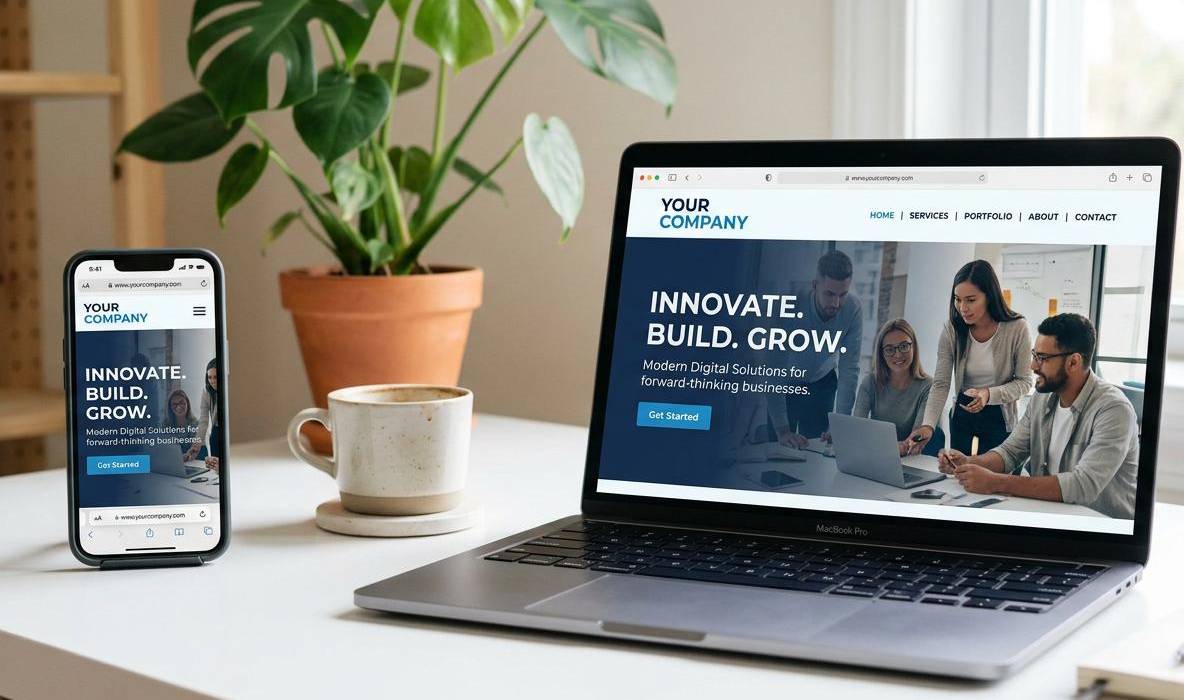
A business website should guide visitors toward a meaningful next step. Depending on the business model, this could mean requesting a quotation, scheduling a consultation, booking an appointment, downloading a resource, calling the company, or purchasing a product.
Calls to action (CTAs) make these next steps clear. Without them, visitors may read about your services but remain unsure how to proceed.

Effective CTAs should be specific, easy to find, and relevant to the page. For example:
- Request a Quote for service-based businesses.
- Book a Consultation for professional services.
- Explore Our Services for visitors who need more information.
- Shop Now for ecommerce websites.
- Contact Our Team for general enquiries.
Lead generation forms should request only the information needed to respond effectively. A simple enquiry form may include a name, email address, phone number if necessary, service of interest, and message. More complex forms may be appropriate for quotation requests, but unnecessary fields can create friction.
In WordPress, forms can be implemented using compatible plugins or custom development. Businesses should test the complete submission process, including email delivery, spam filtering, and mobile usability.
A successful form submission should never be assumed just because the website displays a confirmation message. Regular testing helps ensure that enquiries reach the correct team.
6. Website Security and Data Protection
Website security is essential for protecting business operations, visitor information, and customer trust. An insecure website may be vulnerable to unauthorized access, malware, spam, data exposure, or service disruption.
WordPress is widely used and supported by a large ecosystem of themes and plugins. However, security depends on how the website is configured, maintained, and monitored.
Essential security measures include:
-
Installing an SSL/TLS certificate and serving the website over HTTPS.
-
Using strong, unique passwords and multi-factor authentication where available.
-
Limiting administrator access to people who need it.
-
Keeping WordPress core, themes, and plugins updated.
-
Installing extensions only from reputable sources.
-
Removing unused themes and plugins when no longer required.
-
Using appropriate security monitoring and login protection.
-
Maintaining regular, restorable backups.
-
Protecting forms and other public-facing inputs against abuse.
-
Reviewing user permissions and access when staff responsibilities change.
An SSL certificate encrypts data transmitted between a visitor’s browser and the website. It does not, by itself, protect the site against malware, compromised accounts, or insecure plugins, so it should be part of a broader security approach.
Businesses that collect personal information should also consider applicable privacy requirements, retention practices, and consent obligations. Payment information should be handled through suitable payment providers and secure integrations rather than stored unnecessarily on the website.
Security is an ongoing responsibility, not a one-time installation. A defined update and backup process helps reduce risk and supports recovery if something goes wrong.
7. Professional Design and Consistent Brand Identity
A business website is often one of the first places where potential customers experience your brand. Its appearance should communicate professionalism while making information easy to understand.
A consistent design system helps connect the website with the company’s logo, colours, typography, imagery, and communication style. This consistency can make the business easier to recognize across its website, social media profiles, marketing materials, and customer communications.
During WordPress website development, establish design choices before building every page individually. This can be done through the theme settings, global styles, reusable page-builder components, or a custom design system.
Important design features include:
-
A clear visual hierarchy for headings and body text.
-
Consistent brand colours and typography.
-
High-quality, relevant images.
-
Adequate whitespace between content sections.
-
Consistent button styles and interactive elements.
-
A well-designed header and footer.
-
Reusable layouts for similar pages.
-
Readable colour contrast and accessible text sizes.
Avoid filling every section with animations, decorative effects, and competing colours. Visual effects should support the message rather than distract visitors from the content or main CTA.
Templates and page builders can speed up development, but a template should be adapted to the business’s audience, content, and objectives. Simply replacing a template’s images while retaining an unsuitable structure may result in a website that looks generic.
A thoughtful visual identity helps present a more cohesive experience and makes the website feel like a natural extension of the business.
8. Use Email Marketing to Stay Connected With Customers
Visitors need more than a homepage to understand whether a business can meet their requirements. Dedicated service pages help explain what the company does, who its services are intended for, how its process works, and what customers can expect.
A well-structured service page can answer common questions before a customer contacts the business. It should focus on the customer’s needs instead of presenting only broad promotional statements.
A useful service page may include:
-
A clear introduction to the service.
-
The problems the service helps address.
-
Key deliverables and features.
-
An explanation of the working process.
-
Relevant examples, projects, or case studies.
-
Genuine testimonials, where available.
-
Frequently asked questions.
-
A clear enquiry or consultation CTA.
For a company offering multiple services, separate pages may be useful when each service has a distinct audience, search intent, and set of requirements. Avoid creating large numbers of nearly identical pages that differ only by location or a few keywords.
Businesses should also include essential company information such as contact details, service areas where relevant, operating hours, and applicable policies. An About Us page can introduce the team, experience, values, and approach without making unsupported claims.
WordPress makes it relatively straightforward to update page content as services change. Reusable page layouts and structured content fields can also help maintain consistency across a larger website.
The objective is to give visitors enough relevant information to make an informed decision and understand the best way to get in touch.
9. Manage Your Digital Marketing Budget Wisely
A business website should make it easy for visitors to reach the company through suitable communication channels. Even a well-designed service page can lose potential enquiries if contact details are missing, inconsistent, or difficult to find.
A dedicated Contact Us page is a useful starting point. Important contact information can also appear in the website header, footer, or relevant service pages, depending on the business and its customers.
Consider including:
-
A business email address.
-
A telephone number with a click-to-call link on mobile.
-
A WhatsApp contact link, when appropriate.
-
A contact or enquiry form.
-
Business hours or response-time expectations, if accurate.
-
A business address when customers visit the premises.
-
A map or directions link when it helps visitors.
-
Social media links for active, relevant business profiles.
Businesses that operate from a physical location should ensure that their address and location details are consistent across their website and other business listings. Service-area businesses should explain where they work without publishing a private residential address unnecessarily.
Communication links should be tested on the devices customers are likely to use. For example, a telephone link should open the calling interface on supported devices, while an email link should open the visitor’s default email application.
Only display communication channels that are monitored. An abandoned WhatsApp account or an inbox that is rarely checked can create a poor customer experience.
Make sure that visitors understand what happens after submitting a form or sending an enquiry. Clear expectations help create a more professional communication process.
10. Website Analytics and Performance Tracking
A business website should help its owners understand what visitors do after arriving on the site. Analytics provide information about traffic sources, page engagement, enquiry activity, and other interactions that can guide future improvements.
Without measurement, businesses may focus on vanity metrics such as total visits without understanding whether the website supports their actual objectives.
Useful tracking features can include:
-
Website traffic and traffic acquisition sources.
-
Visits to important service and landing pages.
-
Contact form submissions.
-
Clicks on telephone and email links.
-
Appointment or consultation bookings.
-
Ecommerce purchases and revenue, where applicable.
-
Campaign landing-page performance.
-
Important user journeys and points where visitors leave.
Tools such as Google Analytics and Google Search Console can help measure different aspects of website performance. Analytics focuses on visitor interactions and configured events, while Search Console provides information about how a site appears in Google Search and related search performance data.
WordPress websites can integrate with these tools through suitable plugins, tag-management solutions, or custom implementation. Tracking should be configured carefully to avoid duplicate events, inaccurate conversion counts, and unnecessary data collection.
Privacy requirements must also be considered. Depending on the tools used, location, and applicable laws, businesses may need to provide notices, obtain consent, or adjust how data is collected and retained.
Once reliable data is available, review it regularly. If a service page attracts relevant traffic but receives few enquiries, examine its content, CTA placement, page speed, and form experience before deciding what to change.
Analytics becomes most useful when it supports practical decisions rather than merely generating reports.

Conclusion
WordPress website development involves much more than selecting a theme and publishing a few pages. An effective business website combines responsive design, clear navigation, strong calls to action, SEO, security, performance, analytics, and a manageable content structure.
The most important features depend on your business goals. A local service provider may prioritize enquiry forms and click-to-call links, while an ecommerce company may need product filters, payment integrations, inventory management, and a reliable checkout experience.
Planning these requirements before development can help avoid unnecessary expenses and create a website that is easier to maintain as the business grows.
At The Web Decor, the focus should be on creating a website experience that communicates your services clearly, supports your customers, and provides a practical foundation for your online presence.

