
Choosing the right WordPress developer is an important decision for any business planning to build, redesign, or improve its website. Your website is more than an online presence. It represents your brand, communicates your services, attracts potential customers, and supports your business goals. A poorly developed website can create technical problems, affect user experience, and make it difficult to generate enquiries or sales.
With thousands of WordPress developers and agencies offering website development services, finding the right professional can feel challenging. Some developers specialise in custom WordPress development, while others focus on Elementor websites, WooCommerce stores, website maintenance, or performance optimisation. Their experience, development approach, communication, and pricing can vary considerably.
Before hiring someone, you should understand what your business actually needs and evaluate whether a developer has the technical knowledge and practical experience to deliver it.
In this guide, we will explain how to choose the right WordPress developer for your business website, what skills to look for, which questions to ask, how to evaluate portfolios, and what to consider before finalising a development partner.
1. Understand Your Business Website Requirements First
Before searching for a WordPress developer, clearly define what you want your website to achieve. Hiring someone without understanding your requirements can lead to unnecessary expenses, confusing discussions, and a final website that does not meet your expectations.
Different businesses require different website functionalities. A service-based company may need a professional website with enquiry forms, service pages, and lead-generation features. An online retailer may require WooCommerce, product filtering, payment integration, and inventory management.
Start by identifying your website’s primary purpose.
For example, your business may need:
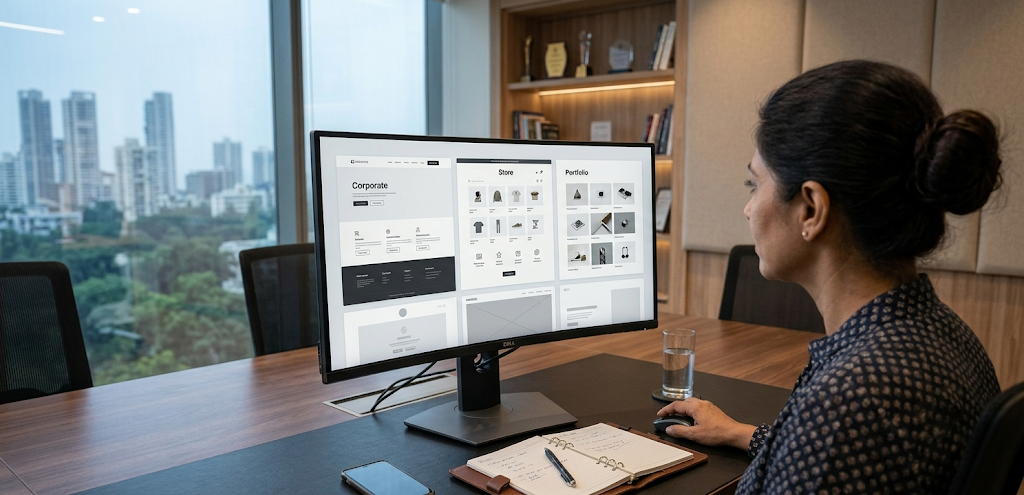
- Business website: A professional platform to introduce your company, services, and contact information.
- eCommerce website: An online store with product pages, shopping carts, payment gateways, and order management.
- Portfolio website: A visual platform to display projects, previous work, and client achievements.
- Corporate website: A structured website with company information, multiple departments, resources, and enquiry options.
- Landing page: A focused page designed to generate leads, registrations, or sales.
- Custom WordPress website: A platform with specific functionality that cannot be handled efficiently through standard themes or plugins.
You should also consider your target audience, expected website traffic, content requirements, preferred design style, and future business plans.
Create a basic list of essential features before approaching developers. This will help you explain your expectations clearly and receive more accurate project proposals.
2. Check the Developer’s WordPress Experience
WordPress is a flexible content management system, but developing a reliable business website requires more than knowing how to install a theme and publish pages.
An experienced WordPress developer should understand how the platform works, how different components interact, and how to select appropriate solutions for a particular project.
Review the developer’s experience with:
- WordPress installation and configuration.
- Custom theme development and customisation.
- Elementor and other page builders.
- WooCommerce development.
- Plugin integration and configuration.
- Responsive website development.
- WordPress security and performance optimisation.
- Website migration and redesign.
- Database and hosting management.
- Troubleshooting and ongoing maintenance.
The required experience will depend on your project.
For example, if you need a straightforward company website built using Elementor, a developer with strong page-builder experience may be suitable. If your project requires a custom booking system, complex integrations, or advanced WooCommerce functionality, you may need someone with stronger programming and integration skills.
3. Review the Developer’s Portfolio and Previous Projects
A portfolio provides practical evidence of a developer’s capabilities. It allows you to evaluate the quality, functionality, and variety of websites they have previously created.
Before hiring a WordPress developer, request links to completed projects and explore those websites yourself.
Do not focus only on screenshots or attractive homepage designs. Visit the actual websites and review how they perform.
Pay attention to the following:
- Design quality: Does the website look professional and match the brand?
- Navigation: Can visitors find important information easily?
- Mobile responsiveness: Does the website work properly on smartphones and tablets?
- Loading speed: Do important pages load without unnecessary delays?
- Functionality: Do forms, buttons, menus, and interactive features work correctly?
- Content structure: Are services, products, and information organised logically?
- Consistency: Do different pages follow a consistent design system?
- Accessibility: Can visitors navigate the website comfortably using different input methods?
You should also ask what role the developer played in each project. A portfolio may contain websites where the person was responsible only for minor changes rather than the complete development process.
A developer who has completed projects in your industry may understand your requirements more quickly. However, relevant technical skills and quality of work should remain more important than industry labels alone.
4. Evaluate Technical Skills Beyond Basic WordPress Setup
A good WordPress developer should understand the technical foundations required to build a website that is reliable, maintainable, and suitable for business use.
Basic WordPress setup usually involves installing a theme, adding plugins, and creating pages. More complex development work requires knowledge of how WordPress handles themes, templates, databases, custom functionality, and integrations.
Depending on your project, look for experience in the following areas:
- HTML and CSS: For structuring and styling website elements.
- JavaScript: For interactive features and frontend functionality.
- PHP: For WordPress themes, custom functionality, and backend development.
- MySQL: For understanding and managing WordPress database operations.
- WordPress hooks: For extending functionality using actions and filters.
- REST API: For integrating WordPress with external applications and services.
- Custom post types: For organising specialised website content.
- WooCommerce: For online stores and product-related functionality.
- Responsive development: For creating layouts that adapt to different screens.
Not every project requires advanced programming in all these areas. A developer should have the skills appropriate to your website’s actual requirements.
Ask how they would approach a specific feature you need. Their explanation can help you understand whether they are proposing a practical solution or simply recommending additional plugins.
Technical knowledge becomes especially important when your business needs custom functionality, complex forms, external integrations, or a website that must support future expansion.
5. Make Sure the Developer Understands Responsive Website Design
A business website should provide a consistent experience across desktops, laptops, tablets, and smartphones.
Responsive development is not simply about shrinking a desktop design to fit a smaller screen. It requires thoughtful adjustments to layout, navigation, images, typography, spacing, and interactive elements.
For example, a desktop website may use a horizontal navigation menu and multiple content columns. On a smartphone, the same layout may need a collapsible menu, vertically stacked sections, and larger touch-friendly buttons.
Ask the developer how they approach responsive design.
Important areas to review include:
- Mobile-friendly navigation menus.
- Readable typography across screen sizes.
- Properly sized images and media.
- Flexible content layouts.
- Touch-friendly buttons and links.
- Responsive forms and input fields.
- Consistent spacing between sections.
- No unwanted horizontal scrolling.
Also, check whether the developer tests the website on actual devices or only uses a desktop browser preview.
A responsive website is important for both user experience and business accessibility. Visitors should be able to understand your services, contact your company, and complete important actions regardless of the device they use.
6. Ask About Website Speed and Performance Optimisation
Website speed affects how visitors experience your business online. A slow website can frustrate users, interrupt browsing, and make it harder for potential customers to reach important pages.
A WordPress developer should understand the factors that influence performance and how to optimise them without compromising website functionality.
Ask whether the developer includes performance optimisation as part of the development process.
Important performance practices include:
- Image optimisation: Compress images and use appropriate formats such as WebP or AVIF where supported.
- Caching: Configure suitable page, browser, and object caching.
- Code optimisation: Reduce unnecessary CSS and JavaScript resources.
- Hosting selection: Recommend infrastructure appropriate for website requirements.
- Database management: Review unnecessary data and optimise database operations where appropriate.
- Font optimisation: Load only the fonts and weights required.
- Third-party scripts: Avoid unnecessary external tools and tracking scripts.
- Mobile performance: Test loading behaviour on mobile devices and different network conditions.
You can ask the developer to provide performance reports using tools such as Google PageSpeed Insights or GTmetrix.
Google’s Core Web Vitals provide useful performance indicators. The current good thresholds include LCP of 2.5 seconds or less, INP below 200 milliseconds, and CLS of 0.1 or less.
However, performance results can vary depending on hosting, content, traffic, device capabilities, and network conditions. A responsible developer should explain realistic targets rather than guarantee a perfect score under every condition.
7. Check Knowledge of WordPress Security and Website Maintenance
Website security should be considered during development rather than added only after a problem occurs.
An experienced WordPress developer should understand common security risks and know how to implement suitable protection measures.
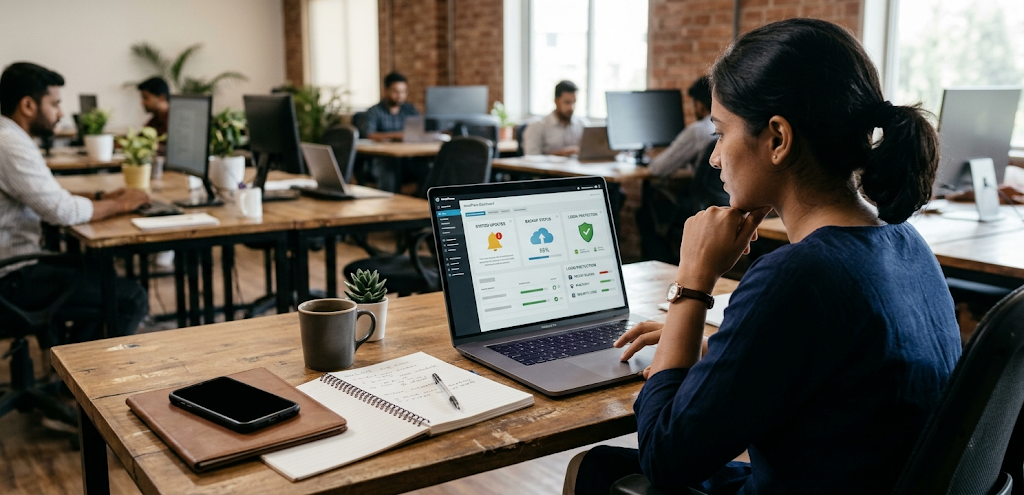
A business website may contain customer enquiries, account information, payment-related data, and other important information. Protecting these resources is essential for maintaining customer confidence.
Before hiring a developer, ask about their approach to:
- Installing valid SSL/TLS certificates and configuring HTTPS.
- Keeping WordPress core, themes, and plugins updated.
- Using strong passwords and secure administrator accounts.
- Implementing appropriate user roles and permissions.
- Configuring backups and recovery procedures.
- Reducing unnecessary plugins and vulnerable components.
- Monitoring suspicious activity.
- Protecting forms and login areas.
- Managing security incidents and restoration.
You should also ask whether ongoing maintenance is available after the website launches.
WordPress websites require regular updates, compatibility checks, backups, and technical monitoring. Without maintenance, even a professionally developed website can become outdated or vulnerable.